

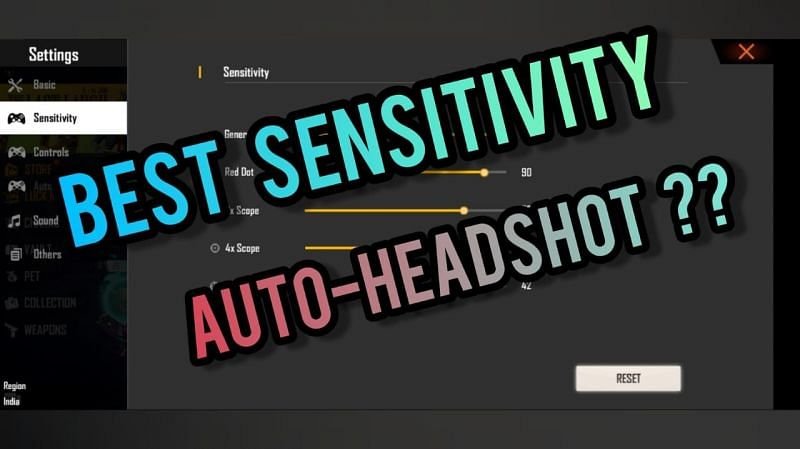
Free Fire is a very famous game and everyone wants to become better in it. In such a situation, it is very important to have the correct settings of the game. If you have a phone with 2 GB RAM then you can keep these sensitivity settings.
Best sensitivity settings of Free Fire for phones with 2 GB RAM

Settings matter a lot. This brings a big improvement in the game and you are able to achieve kills easily.
- General: 100
- Red Dot: 90
- 2X Scope: 80
- 4X Scope: 70
- AWM Scope: 42
Players can change the sensitivity settings by following these steps:
- Open Free Fire and come to the lobby.
- Select the Settings option and click on it.
- A menu will open.
- You will see the option of sensitivity settings here, click on it.
- You will be able to change the settings after this.
To get better in Free Fire, one needs to gain experience. In such a situation, you have to spend time in training and classic mode.
Tips for using sensitivity settings correctly
To land a good headshot, you must first aim at the body. After this you will have to aim a little higher and hit the shot. With this you will be able to take body shots properly. Due to this, sensitivity is of great importance.
Note: Sensitivity settings vary with each device. In such a situation, after applying these settings, you can make some changes according to your device. Everyone keeps making changes as per their own.