

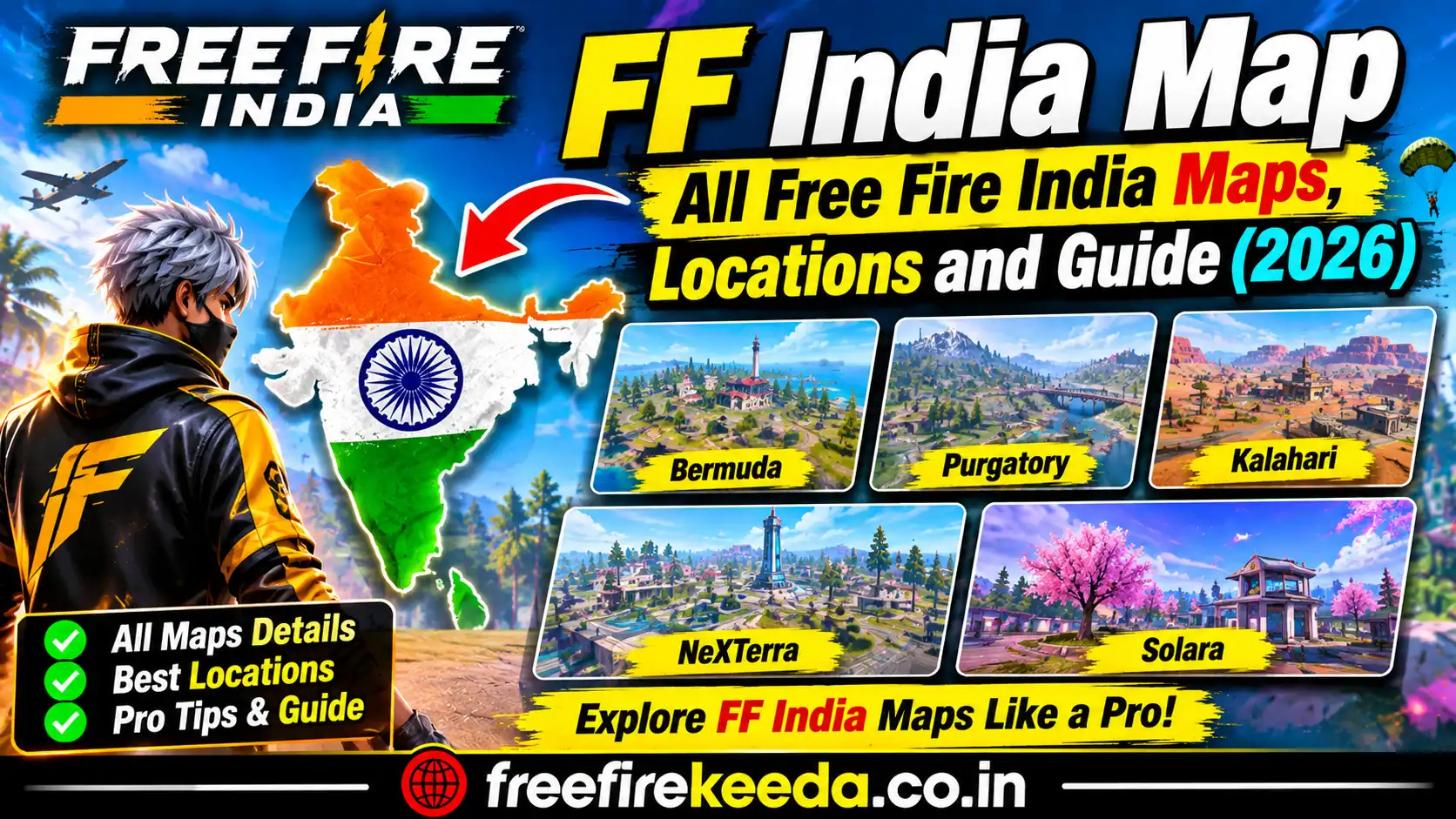
Looking for the FF India Map? Whether you are a beginner learning the battlegrounds or an experienced player exploring different locations, understanding the Free Fire India maps can help you navigate matches more confidently.
Free Fire features different battle royale environments, each with its own terrain, buildings, landmarks, and movement routes. From the familiar island setting of Bermuda to the futuristic scenery of NeXTerra and the coastal landscape of Solara, every map offers a different gameplay experience.
In this guide, Free Fire Keeda covers the major Free Fire map names, notable locations, map navigation tips, and ways to find official map references. Availability in the current game rotation may vary, so check the in-game map selector for the maps available to you.
All FF India Maps in 2026
Garena’s official map page lists the following seven map options. Their availability in particular modes or current rotations may vary.
| Map Name | Map Environment | What to Explore |
|---|---|---|
| Bermuda | Island terrain, towns and industrial areas | Familiar landmarks and connected routes |
| Bermuda Remastered | Updated island environment | Redesigned locations and different approaches |
| Purgatory | Open countryside and waterways | Bridges, open areas and separated land sections |
| Kalahari | Desert terrain and rocky landscapes | Buildings, elevated ground and exposed routes |
| Alpine | Snowy mountain environment | Mountain settlements and roads |
| NeXTerra | Futuristic structures and varied terrain | High-tech landmarks and complex surroundings |
| Solara | Coastal city and winding shoreline | Portside locations and slide-track navigation |
For map images and official map information, visit the Garena Free Fire Maps page.
1. Bermuda Map in Free Fire India
Bermuda is one of Free Fire’s best-known maps and a useful starting point for players learning the game’s environment.
Its landscape includes settlements, industrial locations, open ground, roads, and elevated areas. These different environments give players opportunities to explore, collect equipment, and move between locations as a match progresses.
Popular Bermuda locations
- Peak: An elevated area with buildings and surrounding approaches.
- Clock Tower: A recognisable landmark with nearby structures.
- Factory: An industrial area with buildings and open approaches.
- Shipyard: A location characterised by industrial structures.
- Mars Electric: An industrial landmark on the map.
- Cape Town: A settlement with buildings and connecting routes.
- Hangar: An area with large structures and surrounding open ground.
These are established Bermuda locations; the layout and gameplay conditions can vary between versions or events.
Bermuda map tips
Study the surrounding terrain before choosing a route. Buildings can provide cover, while open ground may leave you exposed during movement. Pay attention to the safe zone and avoid spending too much time travelling across the map without a plan.
2. Bermuda Remastered Map
Bermuda Remastered is an updated version of the classic Bermuda environment. It features redesigned areas and different location layouts.
Players familiar with the original Bermuda map should avoid assuming that every landmark or route is identical in the remastered version.
When this map is available, explore its layout and learn the position of major buildings, connecting roads, and areas that offer cover.
3. Purgatory Map
Purgatory offers a spacious environment with countryside terrain, open fields, buildings, and waterways.
The river system is an important part of its geography. Depending on your position and the safe zone, crossing water or travelling around it can affect how quickly you reach your destination.
Purgatory locations to recognise
- Golf Course
- Mt. Villa
- Moathouse
- Lumber Mill
- Central
- Ski Lodge
- Forge
Purgatory map tips
Check the safe-zone direction before moving across open ground. Learn the available crossings and consider alternative routes when a direct path would leave your squad exposed.
4. Kalahari Map
Kalahari features desert terrain, rocky formations, buildings, and exposed areas. Its landscape differs considerably from the greener environments found on maps such as Bermuda and Purgatory.
Notable Kalahari locations
- Refinery
- Santa Catarina
- Confinement
- Council Hall
- Command Post
- Bayfront
- Mammoth
- Shrines
Kalahari map tips
Pay attention to elevation, nearby cover, and the distance between structures. Moving through open desert terrain requires awareness of your surroundings and the approaching safe zone.
5. Alpine Map
Alpine features a mountain setting with snowy scenery, settlements, roads, and varied elevations.
The environment gives the map a distinct visual identity compared with the desert landscape of Kalahari or the island terrain of Bermuda.
Learn the layout of its main settlements and roads when the map is available in your chosen game mode. Do not assume it is part of every current rotation.
6. NeXTerra Map
NeXTerra introduces futuristic structures alongside different terrain types. Its landmarks include modern buildings, specialised facilities, and areas with distinctive layouts.
NeXTerra locations
- Intellect Center
- Twin Bridge
- Museum
- Turbine
- Farmtopia
- Zipway
- Rust Town
- Grav Labs
- Plazaria
- Boxing Gym
- Deca Square
- Mud Site
- Mortar Ruins
NeXTerra map tips
Learn the connections between major landmarks before travelling through unfamiliar sections. Pay attention to open approaches, structures that interrupt visibility, and the safe zone when deciding where to move next.
7. Solara Map
Solara is a coastal map described on Garena’s official website as a port city with a winding coastline connected by a slide-track system.
Its design combines waterfront scenery with different urban and recreational locations.
Solara locations
- The Hub
- Waterfall
- Riders Club
- Windmill
- Funfair
- Delta Isle
- Bloomtown
- TV Tower
- Studio
- Eco Drain
- Casa Vista
- Aquarium
- Bayside
- Archway
Solara map tips
Familiarise yourself with the slide-track routes and where they lead before relying on them for movement. Check your surroundings at the destination and keep the safe zone in mind while travelling.
For the official description and map reference, visit Garena’s Free Fire Maps page.
How to Find the FF India Map in the Game
If you want to view a map before entering a match, use the game’s own interface.
- Open Free Fire India on your supported device.
- Enter the lobby.
- Open the game mode or map selection interface, where available.
- Review the maps shown for the selected mode.
- Select an available map if the mode allows manual selection.
- Confirm the selection before starting the match.
The interface and selection options may change with updates, events, and game modes. Some modes use a predefined map or rotation instead of allowing unrestricted selection.
How to Read a Free Fire Map
Understanding the map is about more than remembering location names. Players should also learn how the terrain affects movement and visibility.
Landmarks: Recognisable buildings and named areas help you identify your position.
Roads and crossings: These can help you plan a route between settlements and other locations.
Cover: Buildings, rocks, and other terrain features can affect how exposed you are while moving.
Safe zone: Check the zone regularly and plan your movement before the available play area becomes too small.
Squad coordination: Agree on a destination and communicate when changing routes so teammates can remain together.
These fundamentals are useful across different maps, even when their environments and layouts are very different.
Which Free Fire Map Should Beginners Learn First?
Bermuda is a practical starting point because it is the classic Free Fire map and has familiar landmarks such as Peak, Factory, and Clock Tower.
After becoming comfortable with its layout, explore other environments to understand how open terrain, waterways, desert landscapes, futuristic structures, and coastal routes affect movement.
The best map for you will depend on the available game mode, your familiarity with the environment, and the way you prefer to play.
FF India Map FAQs
1. How many maps are listed on the official Free Fire map page?
Garena’s official map page lists seven options: Bermuda, Bermuda Remastered, Purgatory, Kalahari, Alpine, NeXTerra, and Solara. The maps available in a particular game mode or current rotation may differ.
2. Which is the classic Free Fire map?
Bermuda is the classic map associated with Free Fire’s original battle royale experience.
3. Is Bermuda Remastered the same as Bermuda?
No. Bermuda Remastered features redesigned areas, so its layout should not be assumed to be identical to the original map.
4. Which Free Fire map has a desert environment?
Kalahari is known for its desert scenery, rocky terrain, and exposed areas.
5. Which Free Fire map has a futuristic environment?
NeXTerra features futuristic structures and specialised landmarks.
6. What makes Solara different?
Solara is a coastal port-city environment with a winding shoreline and a slide-track system connecting areas of the map.
7. Can I choose any map in Free Fire India?
Not necessarily. Map selection depends on the game mode and the maps available in the current rotation. Check the in-game selection screen for the latest options.
8. Where can I find official Free Fire map images?
Visit the official Garena Free Fire Maps page to explore its map references.
Final Thoughts
The FF India Map guide is a useful starting point for players who want to learn the game’s different environments and recognise important locations. Bermuda offers a familiar island setting, Kalahari introduces desert terrain, Purgatory features waterways and open countryside, NeXTerra presents futuristic structures, and Solara combines a coastal landscape with connected slide tracks.
Learning the geography, recognising landmarks, and keeping track of the safe zone can make navigating a match easier.
For more Free Fire India guides, map updates, gameplay tutorials, esports news, and tournament coverage, visit Free Fire Keeda.
Official reference: Garena Free Fire Maps