
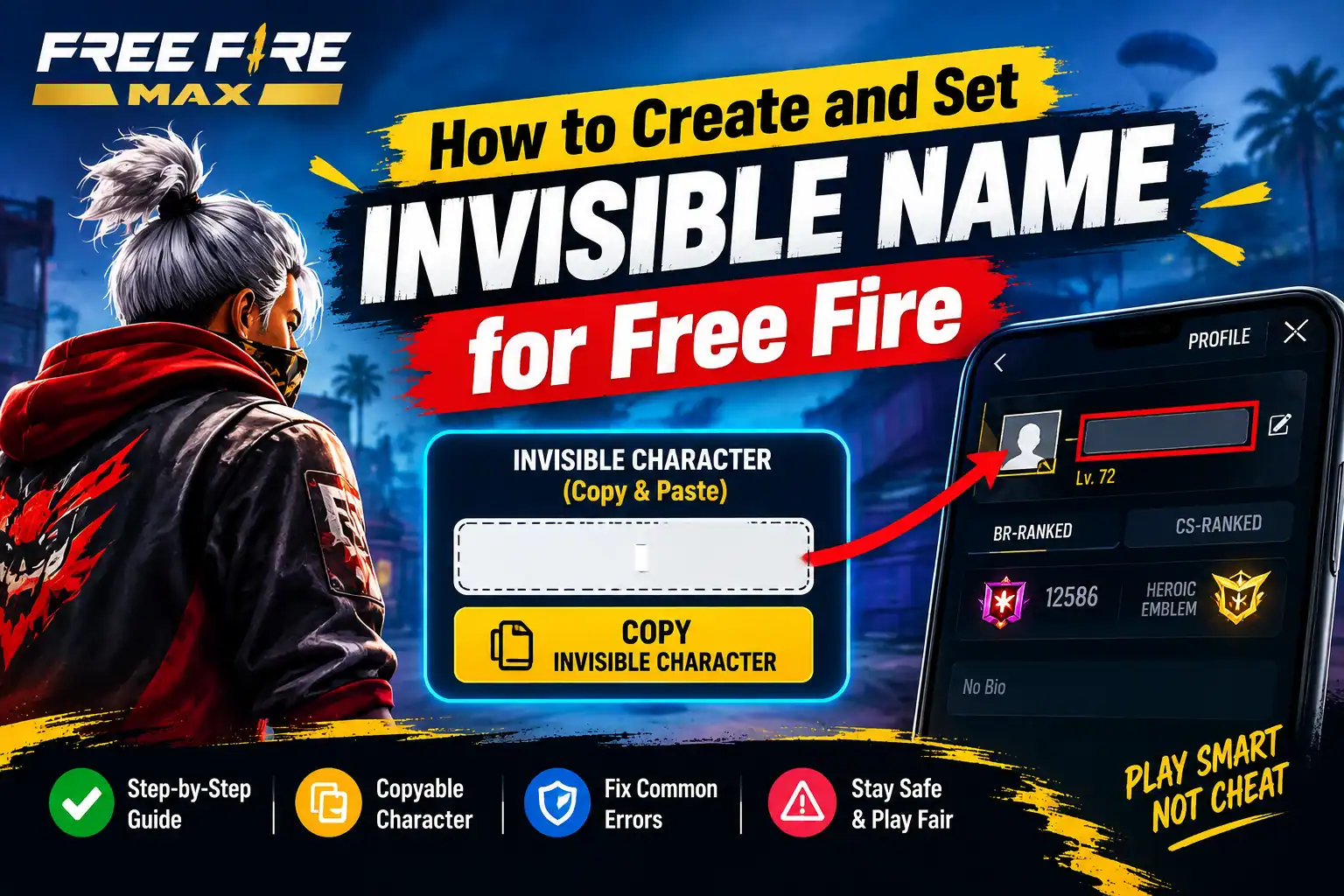
Want to use an invisible name in Free Fire or Free Fire MAX? Many players search for a blank nickname to give their profile a unique look. The process usually involves copying a special Unicode character and trying it in the game’s nickname editor.
In this guide, you will learn how to copy an invisible character, change your Free Fire name, and fix common errors if the game does not accept it.
Note: Invisible characters may not work on every game version or server. Garena does not guarantee that every special character will be accepted or displayed correctly.
What Is an Invisible Name in Free Fire?
An invisible name is a nickname that appears blank or almost empty because it contains a special Unicode character instead of ordinary visible letters.
Players sometimes use these characters to create unusual-looking profiles. However, a name that looks blank on one device may appear differently on another device or in a different part of the game.
An invisible name is not an official Free Fire feature, and there is no guarantee that a completely blank nickname will be accepted.
Invisible Name for Free Fire: Copy and Paste
You can try the Unicode Hangul Filler character below. It is often used for invisible-name experiments, but acceptance depends on the game’s current character validation.
Copy Invisible Name for Free Fire
Tap the button below to copy the invisible Unicode character for your Free Fire nickname.
How to Set an Invisible Name in Free Fire MAX
Follow these steps to try changing your nickname.
Step 1: Copy the Invisible Character
Use the copy button above to copy the invisible character. It may look like nothing has been copied because the character has no ordinary visible appearance.
Step 2: Open Free Fire MAX
Launch the official game on your phone and wait for the home screen to load.
Step 3: Open Your Profile
Tap your profile picture in the top-left corner. Find your current nickname and look for the edit or rename option.
Step 4: Open the Nickname Editor
Tap the edit option next to your current name. The exact interface may vary by game version.
Step 5: Paste the Character
Tap the nickname input field and paste the copied character. Check whether the game accepts it.
Looking for Free Fire tools? Create stylish names, generate profile cards, check UID details, estimate your account value, and discover more exclusive tools only on Free Fire Keeda.
If the game displays an invalid-character message or rejects the name, do not keep trying random character combinations. The character may not be supported by your current version.
Step 6: Confirm the Name Change
If the game accepts your nickname, follow the on-screen instructions to confirm the change. Garena’s official support guidance explains that changing a nickname may require Diamonds or a Name Change Card. Check the displayed cost before confirming.
Invisible Name Not Working? Try These Fixes
If your invisible name does not work, try the following solutions.
- Invalid character error: The game may not support that Unicode character. Try a regular nickname instead.
- Nothing appears after pasting: The character may have been removed by your keyboard or clipboard.
- The game says the name is already taken: The game may treat certain invisible or similar character combinations as equivalent.
- The name looks different after saving: Display can vary across devices, fonts, and game interfaces.
- You cannot afford the rename: Check the in-game options for the required Diamonds or a Name Change Card before proceeding.
Avoid third-party applications that promise to force an invisible name or bypass the game’s nickname validation.
Is Using an Invisible Name Safe?
Copying a Unicode character is different from installing a hack or modifying game files. However, acceptance of unusual nicknames is controlled by the game, and there is no guarantee that every invisible-name method will work.
To protect your account:
- Use the official game client.
- Do not install modified APKs or nickname-changing hacks.
- Never share your account password or verification codes with name-generator websites.
- Follow the game’s current nickname rules.
For official guidance, visit Garena Free Fire Support.
Frequently Asked Questions
How can I get a completely invisible name in Free Fire?
You can try copying a supported invisible Unicode character and pasting it into the nickname editor. A completely blank name is not guaranteed to be accepted.
Does an invisible name work in Free Fire MAX?
It may work if the current game version accepts the character. Results can vary by server and update.
Is an invisible name free?
Copying the character is free. However, changing your existing nickname may require Diamonds or a Name Change Card.
Can I change my name back later?
You can generally change your nickname again using the available in-game rename option, subject to the game’s requirements and cost.
Do I need an application to create an invisible name?
No separate application is necessary to copy a Unicode character. Avoid downloading unknown APKs or tools just to change your nickname.
Final Words
An invisible name can be an interesting nickname experiment for Free Fire players, but it is not guaranteed to work on every account or game version. Copy the character, try it in the official nickname editor, and check the requirements before confirming the change.
If the game rejects it, use a supported stylish nickname rather than trying to bypass its restrictions.
Disclaimer: This is an independent informational guide. Free Fire and Free Fire MAX are associated with Garena. This article is not affiliated with or endorsed by Garena.
Love you 15101363475