

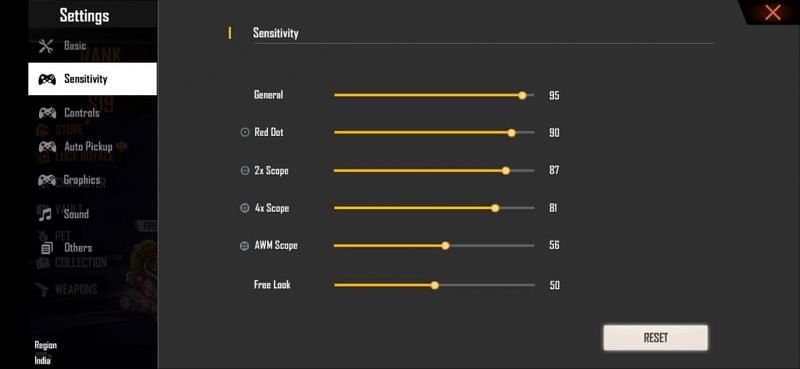
Many players like to play Free Fire on PC. Free Fire is played on almost every PC. Sensitivity settings are very important in any battle royale games and the same can be said for Free Fire. Players sometimes face some difficulty in adjusting the sensitivity settings in PC. In such a situation, the players can get some help from the information given in this article.
Note: There are many emulators available for PC. In such a situation, the settings and sensitivity are slightly different for each one.
Best sensitivity settings for PC emulators in Free Fire
Before changing the sensitivity settings, players will have to make some changes to the games:
Step 1 : Open Free Fire and go to the main menu.
Step 2 : Click on Settings which is present on the right hand corner of the screen.
Step 3 : Go to the Controls option in the Settings tab and then you have to keep two things in mind:
-
M Precision: Default
- Left Fire Button: Scope Only
After making some changes, players will have to take care of Quick Soap and Aim Precision. After this you can change these options in the sensitivity settings.

- General: 95
- Red Dot: 90
- 2X Scope: 87
- 4X Scope: 81
- AWM Scope: 56
- Free Look: 80
Players can make slight changes to these settings according to their PC as the settings of every PC are slightly different.

Shani